Product design / Practical notes
Web3 Wallet Connection UX That Builds Trust
Connecting a wallet should explain why it is needed and how to continue when someone declines or cannot connect. Keep the original task available throughout.
Explain the purpose before opening the wallet
Connect wallet tells someone which button to press, but it does not always explain why. A short purpose statement should say what connecting enables in the current task.
The public Wallet Adapter chooser names the available option before selection. The captured Burner Wallet option is a development reference, so it should not be presented as a verified production-account connection.

Distinguish connection from the next authorization
A connection step and a later request to sign or approve an action are separate moments in the interface. Do not make the first seem to grant blanket consent to every subsequent operation. Explain the later request in the context of the action that caused it.
Work with engineering to identify which wallet capabilities and network conditions are genuinely supported. Do not infer support from a generic wallet icon or a selectable provider in a design file.
Design the recovery branches
| Condition | Useful explanation or next step |
|---|---|
| User declines | Acknowledge the choice and preserve the original task |
| No supported wallet | Explain the supported route without impersonating a provider |
| Unsupported network | Name the requirement and let the person inspect it |
| Connection interrupted | Explain what is known and whether retry is appropriate |
| Session no longer available | Ask for reconnection at the relevant task boundary |
Keep the reason for connecting in view
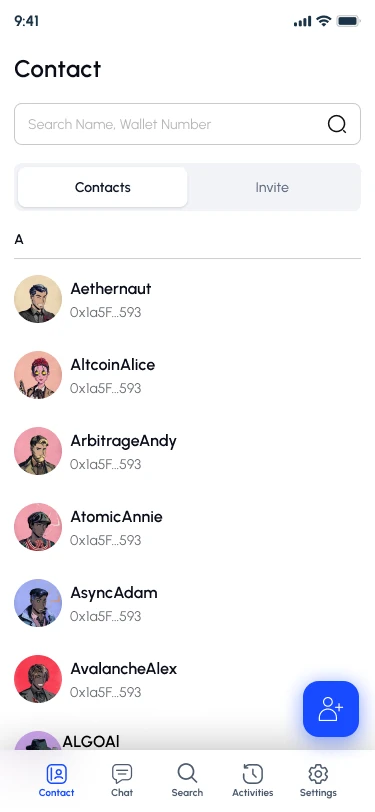
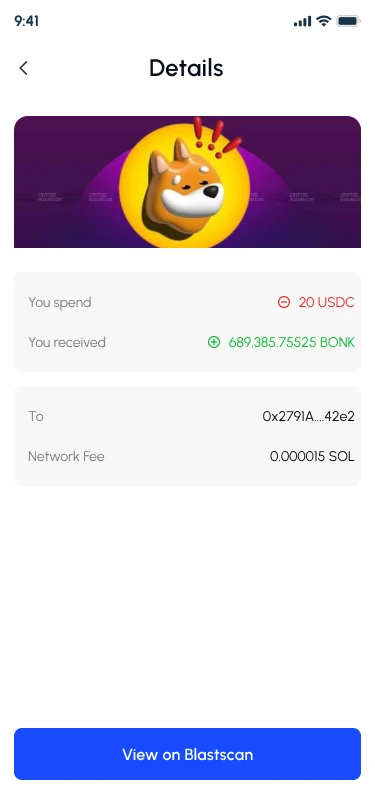
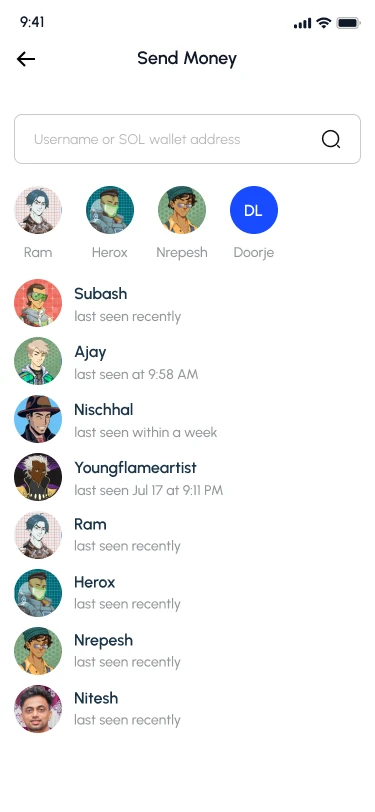
Yarsha’s recipient selection is an example of the task context that may need to survive a wallet handoff. It identifies who the action concerns before the next asset choice.
This is a recipient screen, not a wallet-connection dialog. Use the example to specify what needs to remain available after returning from the external step.
Write acceptance criteria for actual behavior
- The reason for connecting is understandable before the request.
- Declining does not silently lose the person's previous context.
- An unsupported condition receives a specific, truthful explanation.
- Connection completion is distinct from transaction completion.
- The relevant action remains usable by keyboard where the web integration supports it.
- Returning later produces an understandable session state.
Keep the evidence boundary clear
Yarsha is a relevant messaging-and-wallet design context in my portfolio, but the currently published exports do not show every connection and recovery branch. Those branches are requirements to test, not outcomes to infer from unrelated screens.