Product design / Practical notes
SaaS Dashboard Empty States That Help Users Recover
A recovery action is useful when it keeps someone’s work intact and helps them continue. Start by deciding what they should not have to enter again.
Keep the content structure visible during recovery
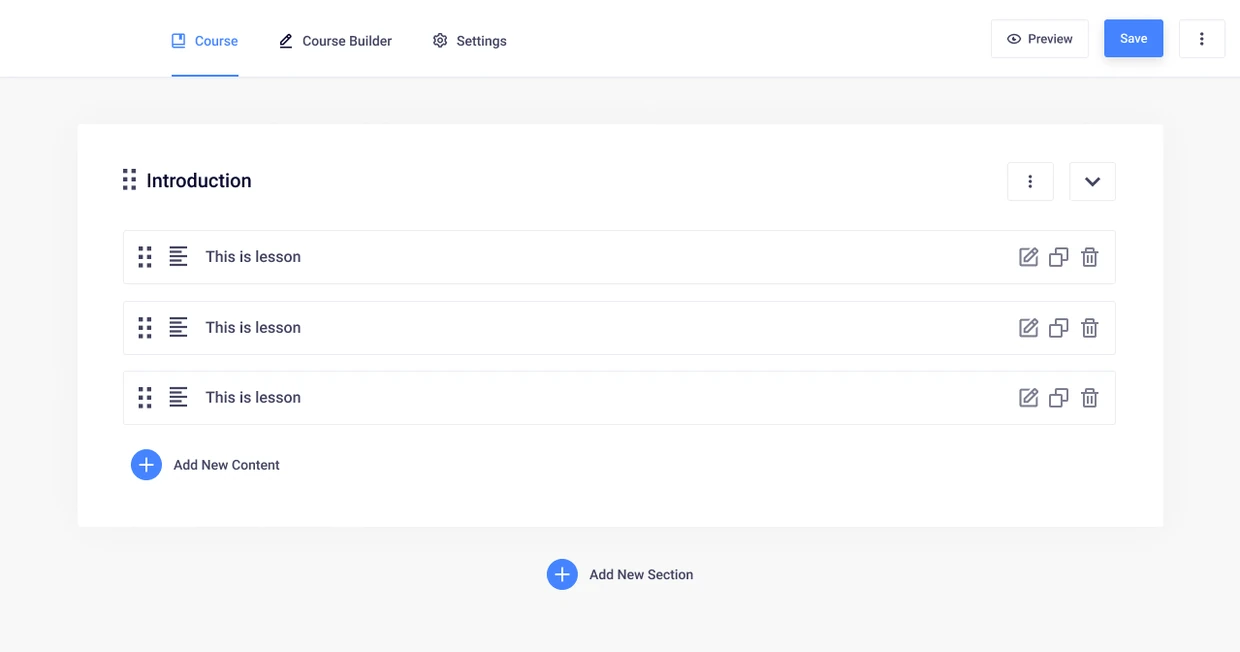
Masteriyo’s course outline keeps the larger course visible while someone edits its content. That structure is useful when considering recovery: a failed edit should not require the author to rebuild the whole course.
For each interruption, I would name the work to preserve, the action that can be retried and where the author should return.
Keep the work that is already valid
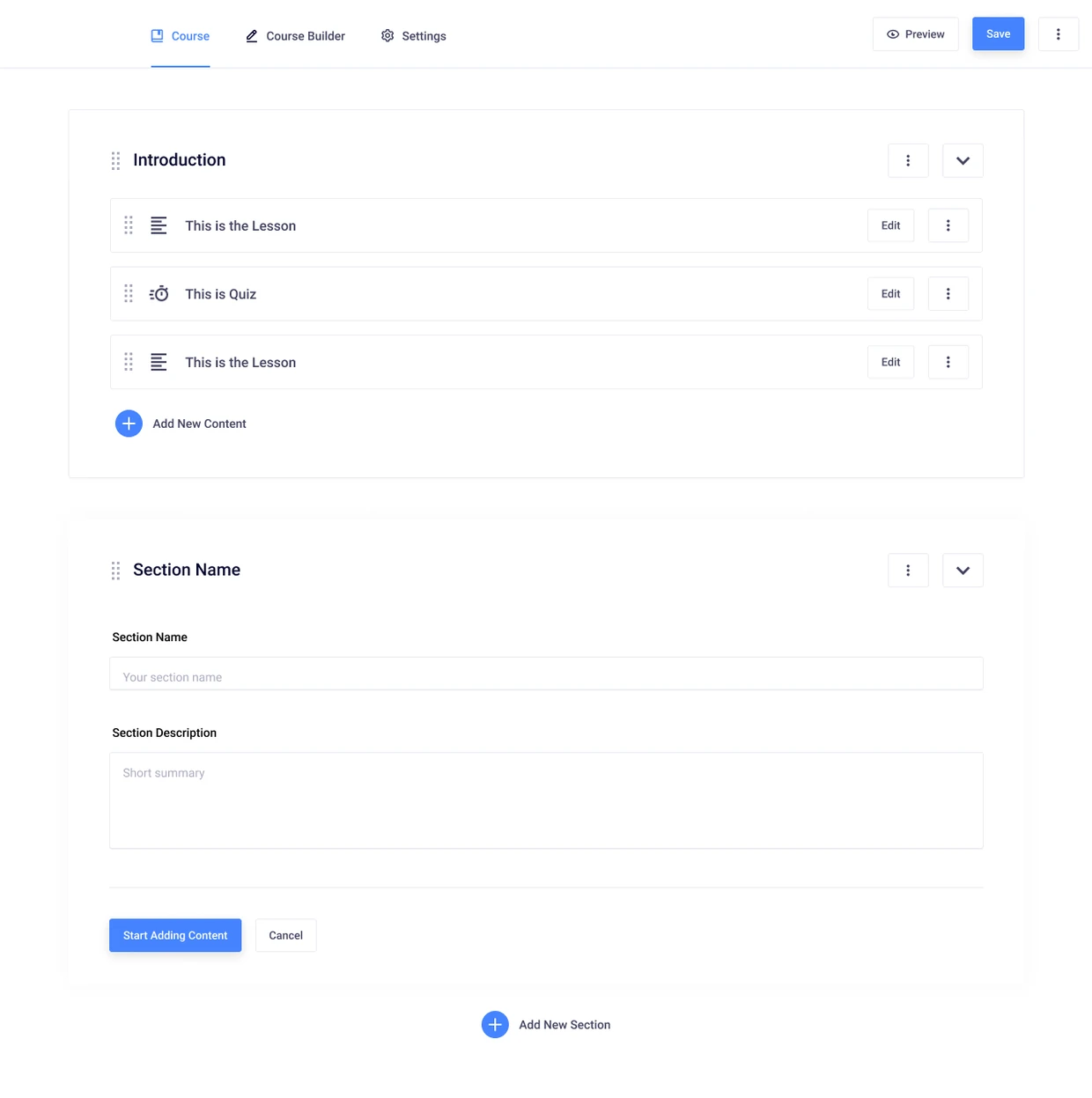
The section editor below is one smaller task inside the course. If saving it fails, preserving the entered section information is a different concern from deciding whether the rest of the course is available.
Write down that boundary before adding a Retry button. The person should know what they are retrying and what is already safe.
Test a transition matrix
| Scenario | Recovery action | Acceptance question |
|---|---|---|
| No search matches | Edit or clear the query | Does the query remain available to revise? |
| Conflicting filters | Remove one condition | Can the person see which condition changed? |
| Loading failed | Retry | Is valid context retained and the request outcome explained? |
| Setup completed | Return to the module | Does the new state reflect the completed prerequisite? |
| Access changed | Reload or request access | Is restricted context handled consistently? |
| New data arrives | Refresh or observe an update | Does empty become loaded without a misleading intermediate result? |
Keep focus and announcements useful
A changed result does not always need a focus jump. Keep the person near the control they are using unless the next task genuinely requires moving them. If a brief status changes without receiving focus, make that information available to assistive technology in an appropriate way.
W3C's status-message guidance distinguishes those updates from a change of context. Use it to review the behavior, then test the actual implementation rather than assuming an accessibility attribute is sufficient.
Prevent recovery from becoming a repeated mistake
A retry button needs a meaningful retry boundary. If the underlying prerequisite is still absent, repeating the same request may accomplish nothing. Explain the dependency or offer the action that can change it.
For record creation or other consequential operations, determine whether the first attempt may already have succeeded before offering another submission. The interface should not imply certainty when the request outcome is unknown.
Record the result at task level
Write a short observation: the query was retained, the person removed one filter, the result returned and focus remained on the relevant control. That is stronger evidence than marking the empty-state component complete because its spacing matches the design.
This article covers recovery verification. Use the taxonomy article to classify causes and the concise guide to write the message that introduces the recovery.
Review what a return action can recover
The piHub denial state offers Go Back. In an implementation review, test where that action leads after a direct deep link as well as after normal navigation. Browser history may not contain a useful permitted page.
That is a recovery requirement exposed by the design, not a reproduced defect in a live piHub service. The result belongs in the ledger only after the actual route and account conditions have been tested.