Product design / Practical notes
SaaS Dashboard Filter UX for Real Operational Work
Useful filters help someone answer a work question and understand the result. Scope, active criteria and a way back all belong in that explanation.
Give criteria and scope distinct jobs
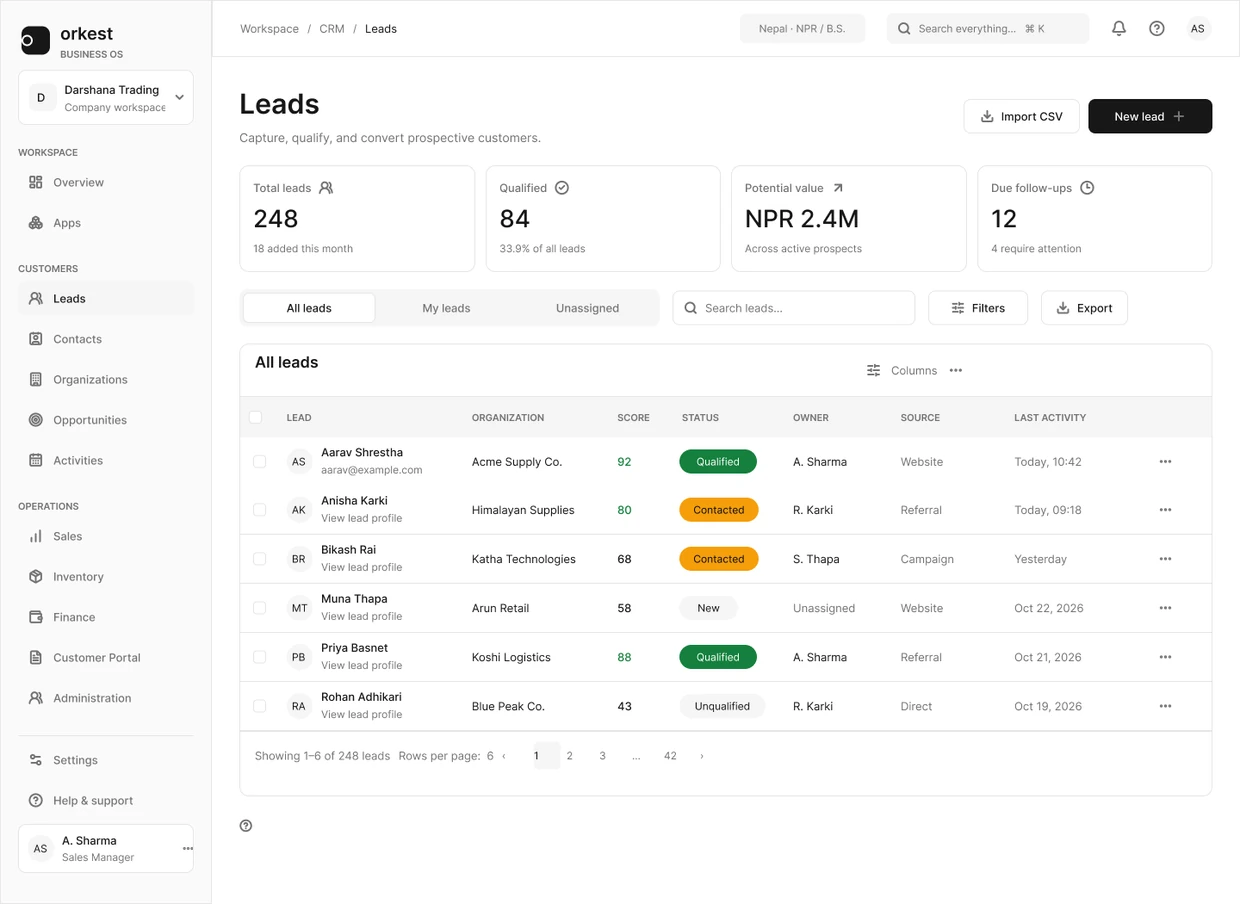
In Orkest, All leads, My leads and Unassigned describe ownership. Filters narrow the records further. Keeping those jobs separate helps a person understand why a lead is or is not in the list.
The controls should also explain their effect. After a filter changes, the person needs to see the active criteria and make sense of the resulting records.
Separate a recurring view from a temporary condition
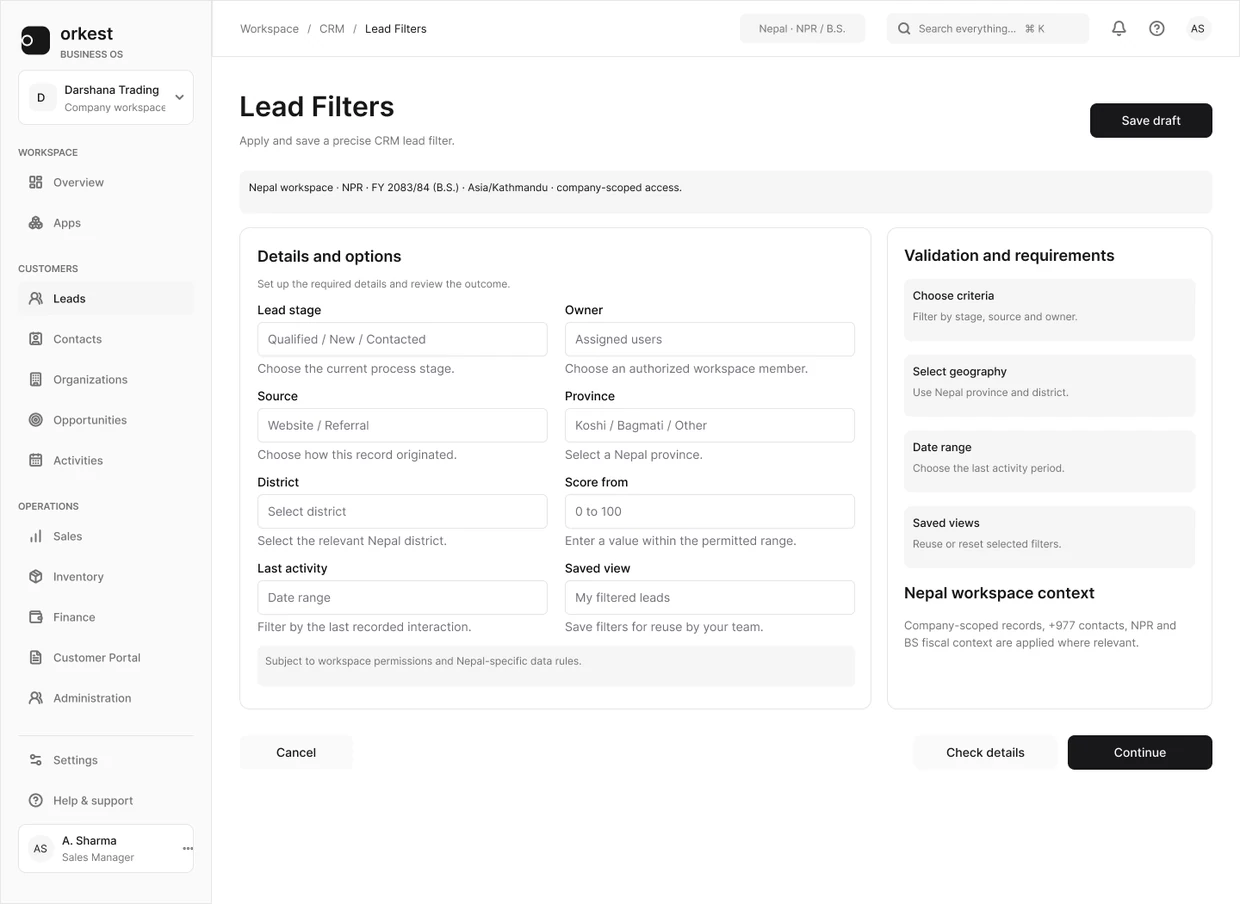
A recurring view answers a familiar question such as which leads belong to me. A filter narrows that view with conditions such as status or date. A saved view may combine both, but the distinction should still be understandable.
The Orkest design separates All leads, My leads and Unassigned from search and Filters. That is visible evidence of the hierarchy, not proof of the open panel's behavior. The design review still needs to decide how conditions combine and persist.
Make the current query inspectable
After applying conditions, show enough information to explain the result. A generic Filters badge with a count may be sufficient for a small panel, but a complex query often needs readable conditions. Define whether status is A or B and whether that group is combined with another condition using AND.
Avoid making a person reopen the panel just to explain why a record is missing. A compact summary should be understandable without exposing the entire query builder at all times.
Decide persistence before building the panel
| Transition | Question to resolve |
|---|---|
| Switch ownership view | Are compatible conditions retained, reset or explicitly changed? |
| Open a record and return | Are filters, sort, page and scroll restored? |
| Refresh or share a URL | Which query state is encoded and safe to share? |
| Remove one condition | Does focus remain in a predictable place? |
| Clear all | Does it also clear search and the selected view? |
Help someone recover from a filter problem
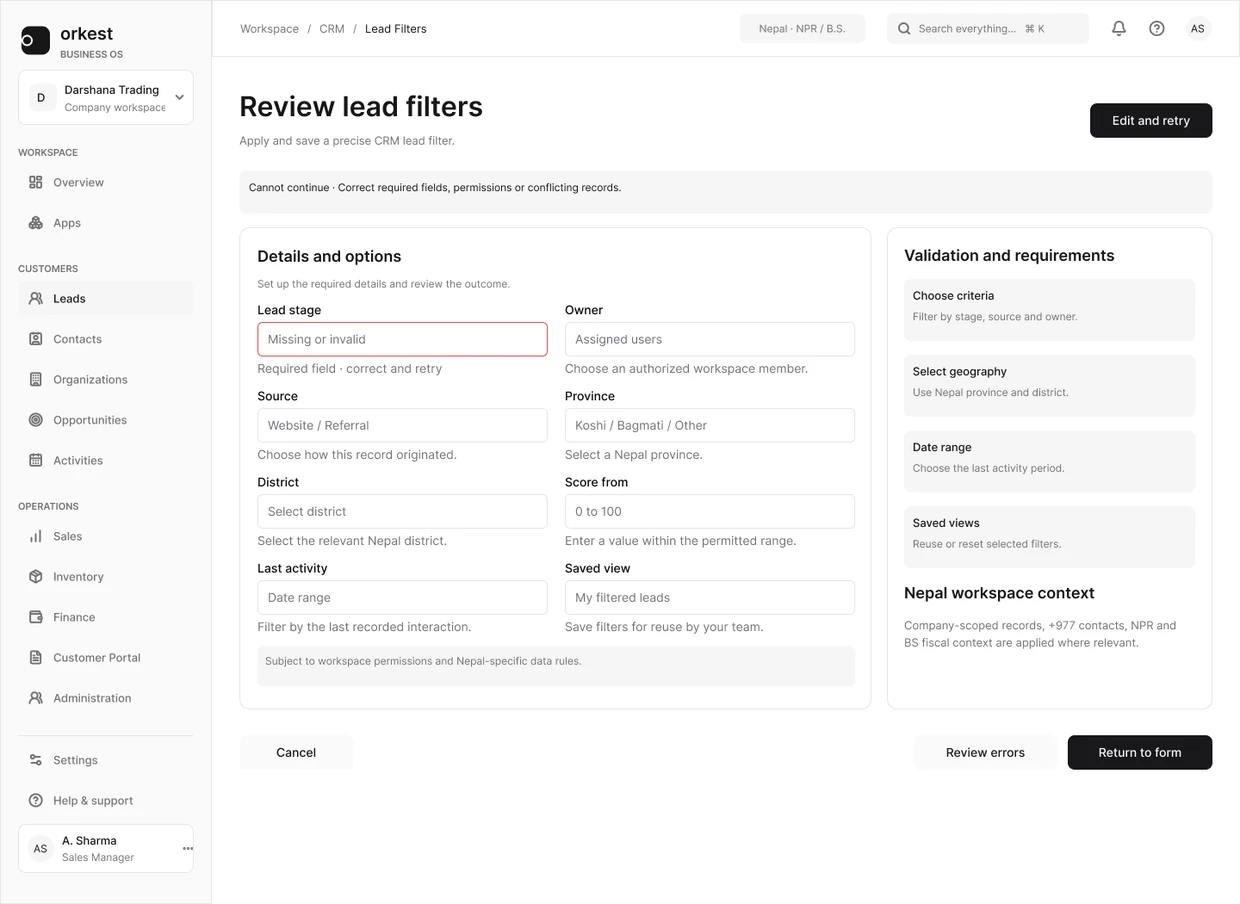
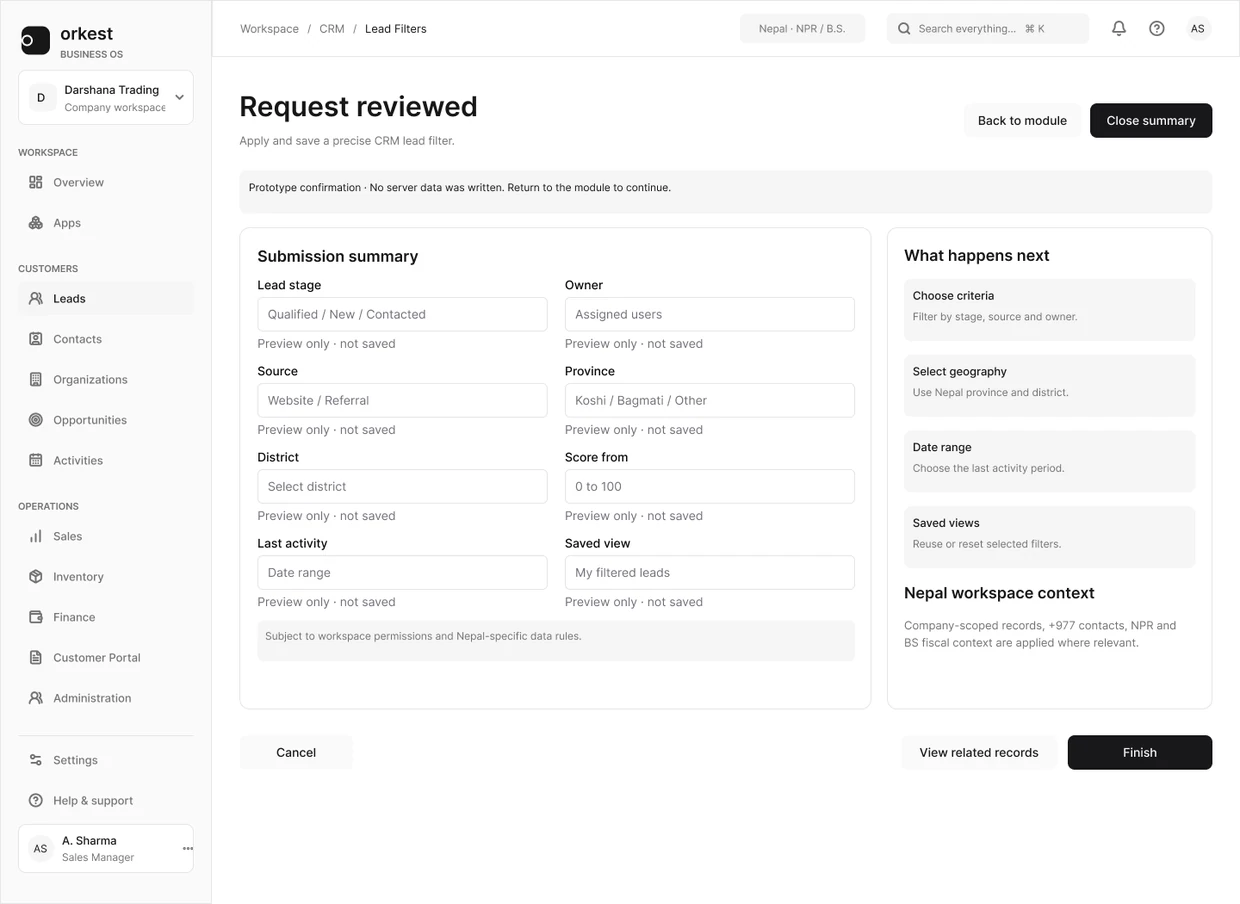
The additional Orkest states show the filter with a problem and the later confirmation. They give a review something concrete to follow instead of treating the panel as finished after the default state.
If the query returns no records, preserve the criteria and offer a clear way to change or reset them. An empty result should not make someone wonder whether the whole system has no data.
Review with an operational question
Ask someone to find their unassigned work, add a condition, inspect a record and return. Then create a zero-result query and ask them to explain the absence. Observe where the interface forces them to remember hidden state.
The success condition is not that the panel opens. It is that the person understands the active query and can revise it. Keep performance and access restrictions in the review too: a slow result and a restricted result need different explanations.